REGISTRATION CLOSES IN18:08:58:01

IF NOBODY IS BUYING FROM YOU, TRY THIS ↓

BLACK FRIDAY EXCLUSIVE: TURN AUDIENCE PROBLEMS INTO A $9-99 DIGITAL PRODUCT

Find 10 real problems your audience wants solved, turn one into a useful $9-$99 digital product and build its product page with me, so you have something specific to sell instead of guessing what people will buy.

SOLOPRENEURSCOACHESCONSULTANTSAGENCIESDONE-FOR-YOU SERVICE PROVIDERSHIGH-TICKET SERVICE PROVIDERSFREELANCERSBUSINESS OWNERSSMALL BUSINESSES WITH TEAMS UNDER 5SOLOPRENEURSCOACHESCONSULTANTSAGENCIESDONE-FOR-YOU SERVICE PROVIDERSHIGH-TICKET SERVICE PROVIDERSFREELANCERSBUSINESS OWNERSSMALL BUSINESSES WITH TEAMS UNDER 5SOLOPRENEURSCOACHESCONSULTANTSAGENCIESDONE-FOR-YOU SERVICE PROVIDERSHIGH-TICKET SERVICE PROVIDERSFREELANCERSBUSINESS OWNERSSMALL BUSINESSES WITH TEAMS UNDER 5SOLOPRENEURSCOACHESCONSULTANTSAGENCIESDONE-FOR-YOU SERVICE PROVIDERSHIGH-TICKET SERVICE PROVIDERSFREELANCERSBUSINESS OWNERSSMALL BUSINESSES WITH TEAMS UNDER 5

Hour 1: Find the 10 Problems Your Audience Wants Solved

Hour 1: Find the 10 Problems Your Audience Wants Solved

  1. Collect real problems from your audience
    • Learn how to ask your audience about the problems they are trying to solve.
    • Use personalised outreach, DMs, comments, replies and existing audience interactions to gather specific answers.
    • Write an outreach script that sounds natural and makes it easy for people to share what they need help with.
  2. Build your audience pain-point bank
    • Collect at least 10 specific responses from your audience.
    • Group repeated problems into common themes.
    • Identify the problems people mention repeatedly and genuinely want help solving.
  3. Choose the right problem for your product
    • Evaluate each problem based on urgency, frequency, clarity and your ability to solve it.
    • Separate broad interests from specific problems that need a practical solution.
    • Choose one small problem you can solve properly through a digital product.

Hour 2: Turn One Audience Problem Into a Digital Product

Hour 2: Turn One Audience Problem Into a Digital Product

  1. Decide what product to create
    • Choose a useful format such as a guide, checklist, workbook, template, tracker, prompt pack or resource kit.
    • Understand when to use Google Docs, Notion or Canva.
    • Start with a simple format instead of spending unnecessary time designing the product.
  2. Structure and create your product
    • Write a product title based on the problem and outcome.
    • Put the quick win near the beginning so the buyer gets useful information immediately.
    • Organise the content into clear sections, steps and exercises.
    • Build the product in Google Docs or another simple tool.
    • Keep the first version practical and focused on solving one problem completely.
  3. Repackage what you already know
    • Identify an existing process, resource, template or method you already use.
    • Repackage it, rewrap it and retitle it for a specific audience problem.
    • Turn existing knowledge into a product rather than starting from an empty document.

Hour 3: Price Your Product and Build Its Product Page

Hour 3: Price Your Product and Build Its Product Page

  1. Decide the price between $9 and $99
    • Understand how the depth, usefulness and specificity of your resource affect its price.
    • Evaluate possible price points such as $9, $19, $29, $49 and $99.
    • Make sure the product promise matches what the buyer receives.
  2. Write your product page
    • Create a headline that identifies the problem and the result.
    • Explain who the product is for and what the buyer will get.
    • List the product contents and the practical outcome.
    • Add the price, FAQs and payment CTA.
    • Keep the page simple enough for someone to understand the product without needing a separate explanation.
  3. Prepare your product for its first promotion
    • Write 3 promotional messages based on the audience problem, the product's quick win and the outcome.
    • Create 3 CTA variations inviting people to view or buy the product.
    • Decide where to share the product with the audience whose problems informed it.
    • Create one simple next step for interested buyers.

What You'll Walk Away With

  1. A list of at least 10 real problems your audience wants solved.
  2. One selected problem with a clear reason for turning it into a paid digital product.
  3. A product concept, title and structured content outline.
  4. A practical first product draft in Google Docs or another simple format.
  5. A suggested product price between $9 and $99.
  6. A product page structure with the headline, outcome, inclusions, price, FAQs and payment CTA.
  7. Three promotional messages and 3 CTA variations for introducing your product.

What You Get

  1. 3 hours of live, hands-on trainingA single live session covering audience problem research, product creation, pricing and the product page.
  2. An additional 30-minute Q&A after the trainingStay on after the training for a 30-minute Q&A to ask questions about what we covered.
  3. 2 days of 1:1 chat mentorship with VidhyaGet personalised one-on-one support from Vidhya for 2 days after the training. Vidhya will answer your questions personally within 24 working hours.

The live training costs $49.

Here are some results

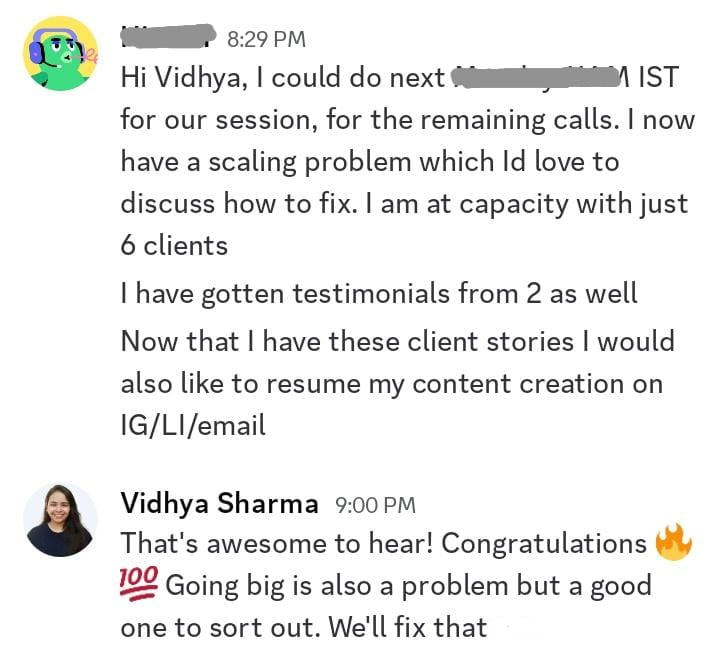
Client message sharing capacity reached at 6 clients and getting testimonials
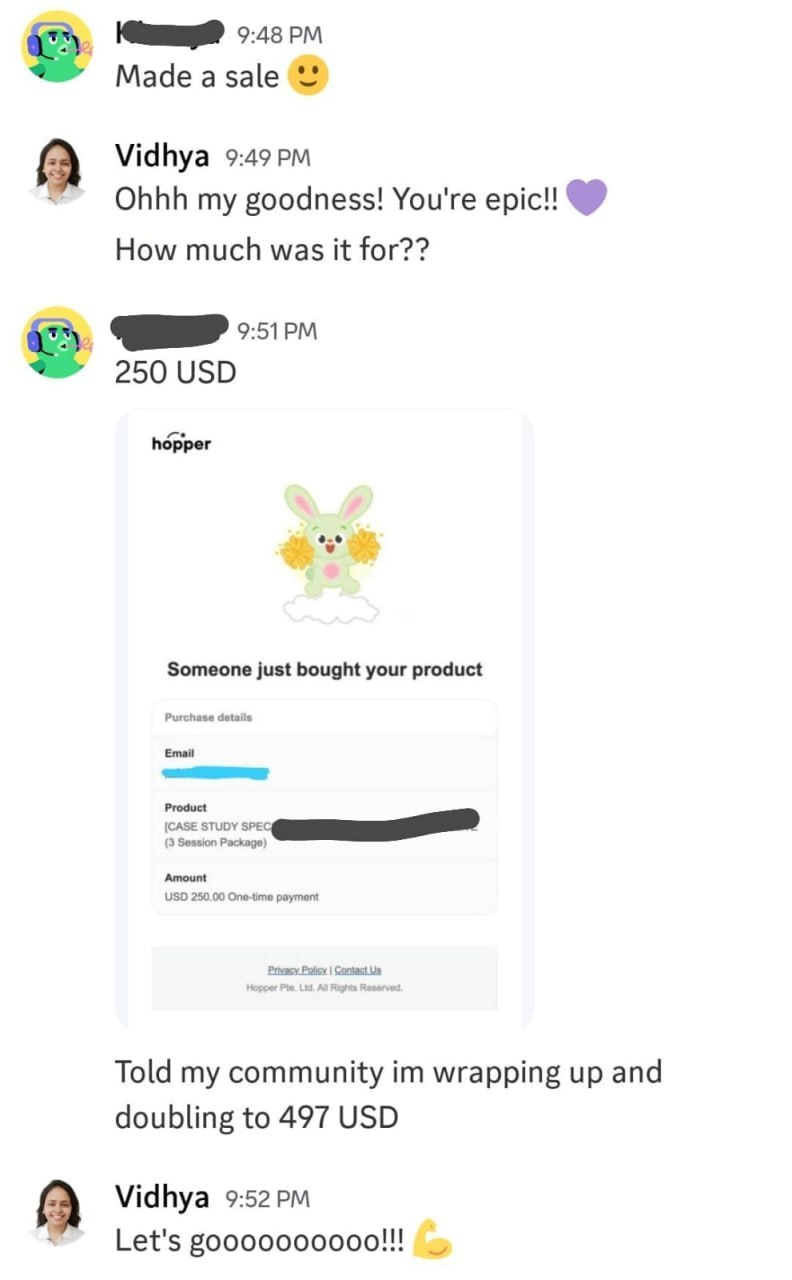
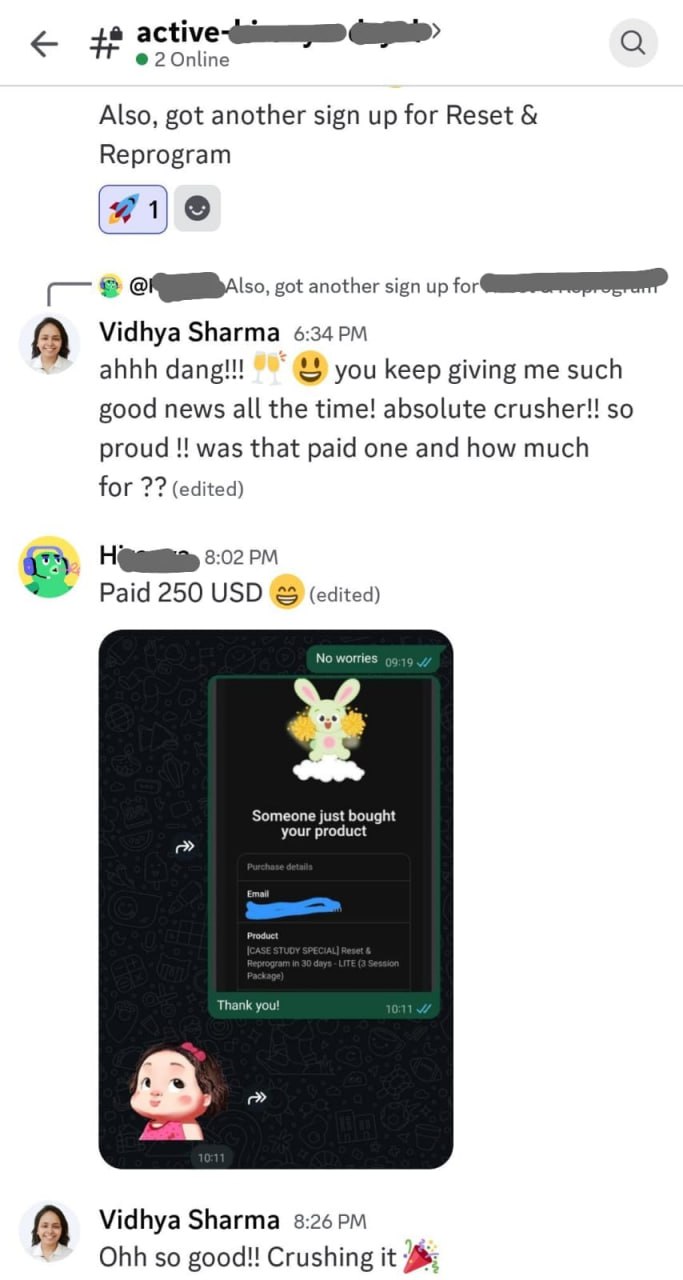
Client confirmation of making a 250 USD sale for a 3-session package
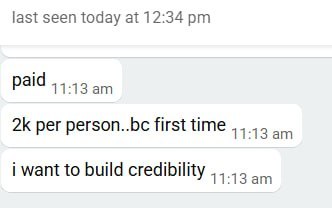
Client message confirming payment received per person
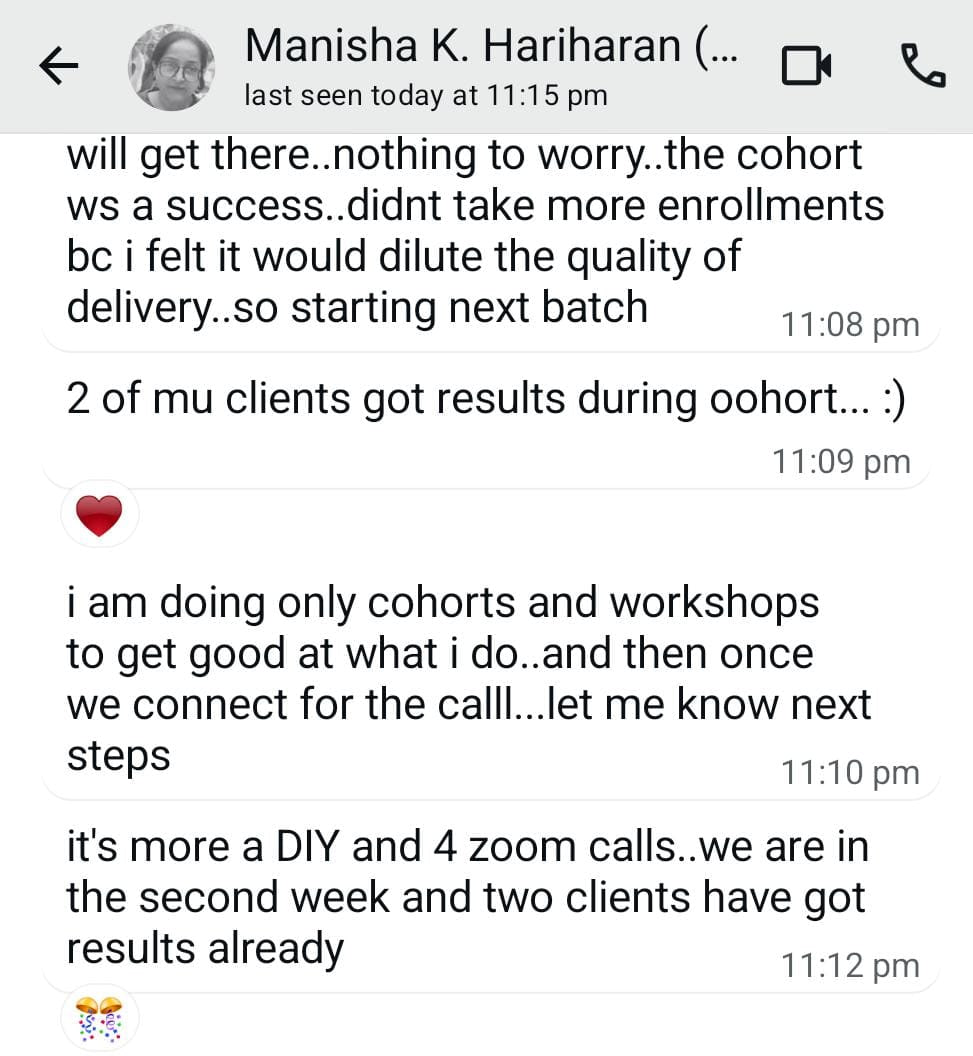
Client sharing cohort success and results received during the cohort
Client message celebrating another sign-up and paid 250 USD sale
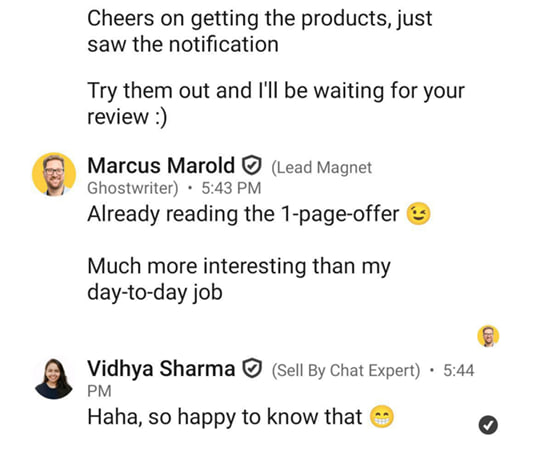
Chat testimonial praising the 1-page offer
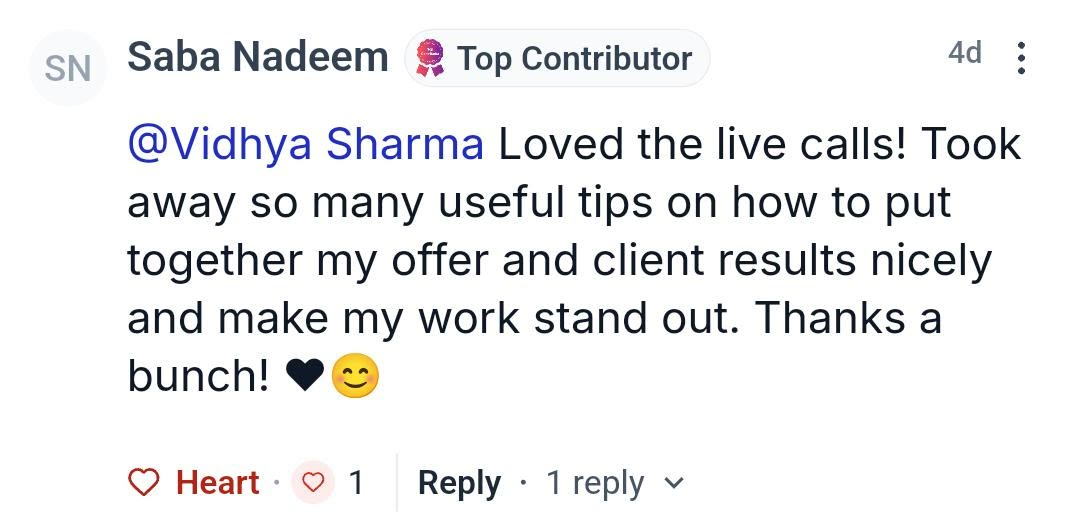
Community testimonial thanking Vidhya for offer clarity and making work stand out
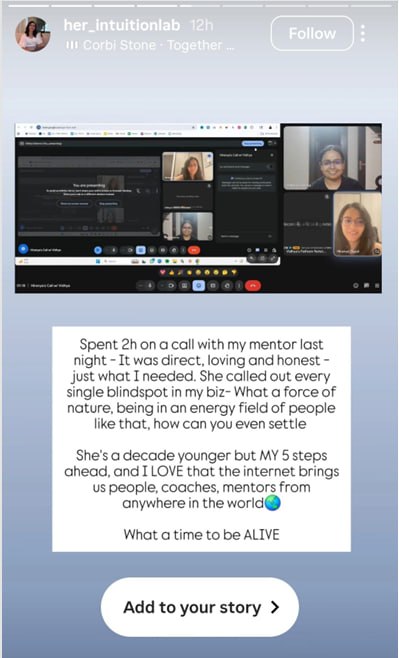
Story feedback from a client on mentorship session with Vidhya
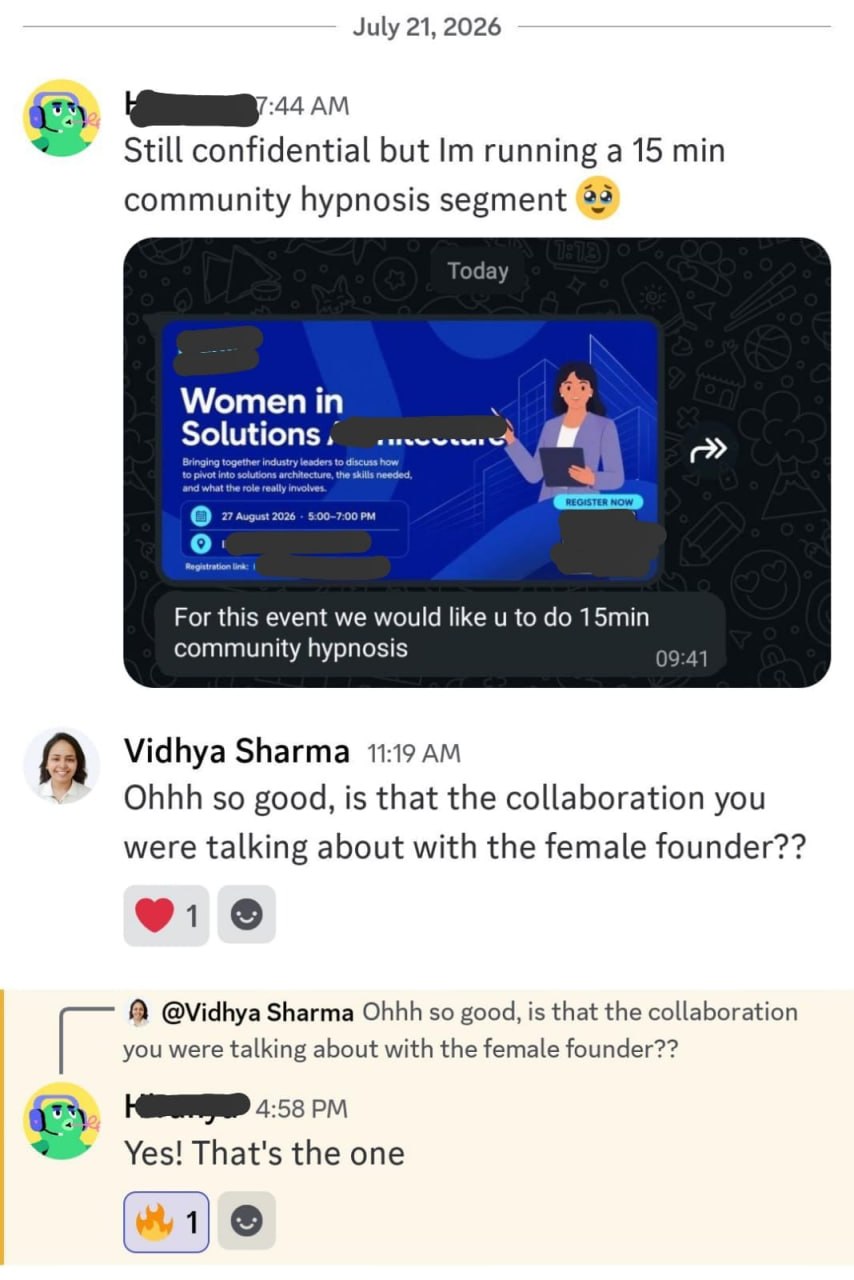
Client sharing collaboration win running a community hypnosis segment

Frequently Asked Questions

Who is this training for?

Solopreneurs, coaches, consultants, agencies, done-for-you and high-ticket service providers, freelancers and small business owners who have an audience but no specific product to sell to it yet.

Do I need an existing audience?

You need some audience to gather problems from. This can be a small email list, social media followers, community members, or people who reply to your content. The training shows you how to collect real problems from the audience you already have.

What if my audience is small?

A small audience is fine. You only need enough responses to spot the problems people mention repeatedly. The training shows you how to ask for and collect specific responses even from a small group.

Do I need a product idea before joining?

No. You will find the product idea during the training by collecting real problems from your audience and choosing one to solve with a simple digital product.

Do I need design or technical skills?

No. You will build your product in a simple tool like Google Docs. No design software, coding, or technical setup is required.

Can I create my product in Google Docs?

Yes. Google Docs is one of the recommended formats for a first digital product. The training covers when to use Google Docs, Notion, or Canva, and how to keep the first version practical and focused.

How do I decide whether to charge $9 or $99?

The price depends on the depth, usefulness, and specificity of your resource. The training walks through price points such as $9, $19, $29, $49, and $99 so you can match the price to what the buyer actually receives.

Will we work on the product page during the training?

Yes. Hour 3 covers writing your product page, including the headline, who it is for, what the buyer gets, the contents, the price, FAQs, and the payment CTA. You will leave with a clear product page structure.

Will I have time to create my product during the session?

You will leave with a structured first version or a clear, workable draft you can finish and publish. The deliverables are realistic for a 3-hour live session and depend on how much you complete during the training.

What is included in the 2 days of 1:1 chat mentorship?

After the live training, you get 2 days of 1:1 chat access with Vidhya to ask questions and get personalised help as you finish and publish your product. Vidhya will reply to your questions within 24 working hours during the 2-day window.